Run the whole network from one place
Members, moderation, ads, money and every feature switch — in a console that speaks your app type’s words. Everything on this page is a real screen from the demo network.
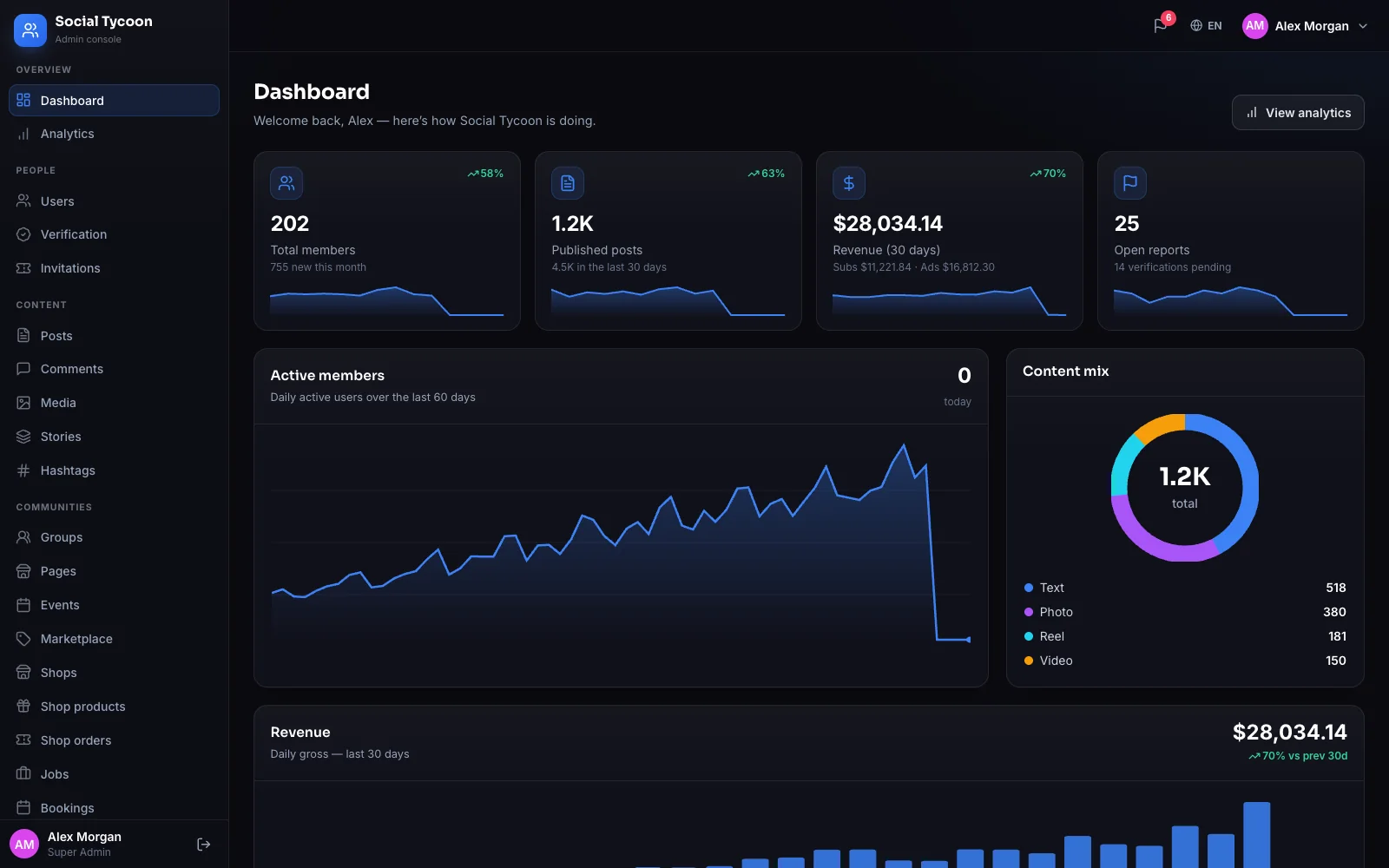
Have a look around
Real screens, real data
Pick a screen. These come straight from the admin of the live demo network.
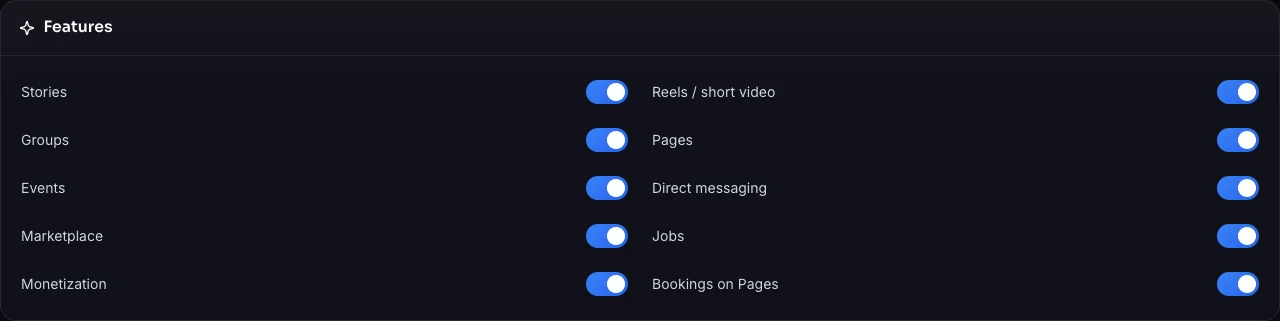
Feature switches
Turn whole features on or off
Stories, reels, groups, Pages, events, messaging, marketplace, jobs, monetization and bookings — each one a switch that every client follows at once. Your app type stays the one you chose; the switches shape what’s in it.
- Web, iOS and Android follow a switch immediately
- Tokens, shops and invitations have their own settings — fees included
- Maintenance mode and open or closed sign-ups
Map of the console
Where everything lives
Overview
Dashboard and analytics — members, posts, daily actives, content mix and revenue.
People
Search, suspend and verify members; review badge requests; send invitations.
Content
Posts (or Videos), comments, media, stories and hashtags — named the way your app type names them.
Communities
Groups, Pages, events, marketplace, shops, jobs and bookings.
Safety
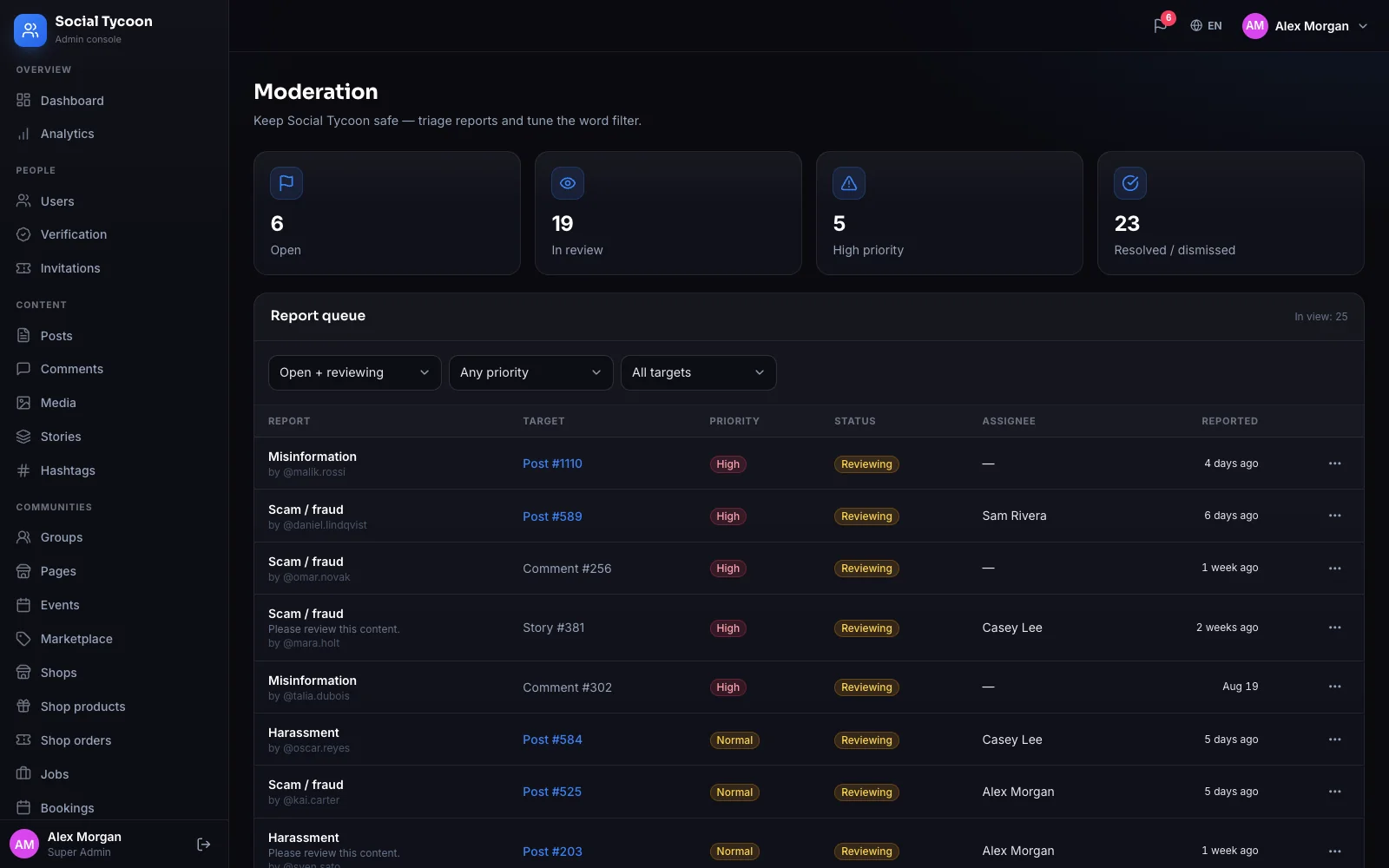
A report queue with priority and assignee; a word filter that blocks or flags; new posts held for approval.
Money
Revenue, subscriptions, transactions, tokens and their fees, creator payouts and Stripe webhooks.
Advertising
Review queue, ads, campaigns, ad accounts and promoted jobs.
Engagement
Messages and announcements to segments of the community.
System
Feature switches, payment keys, email delivery, languages, time zone, team and roles, audit log.
Careful by default
The same rules on every screen
The rules live in the core, so the admin, the web app and the native apps enforce the same ones.
- Roles with their own permission sets; the super-admin role is protected
- Every admin action recorded in an audit log
- Payment secrets masked on screen and never echoed back
- Account deletion removes everything a member made and recomputes every counter — money records stay
- Demo and test networks can record emails instead of sending them
Ready to launch?
Your brand. Your community. Your social empire.
Pick your app, add your brand and go live in about two weeks. Test all six types before you choose.